DerbyDog®, established by GigaCraft in Canada, is a unique race timing and race management product specifically designed for Pinewood Derby®, Kub Kar Rally, Awana® Grand Prix, and other similar gravity-powered races held throughout North America by the Boy Scouts of America and Scouts Canada.
DerbyDog® combines a modular timer and race management software. DerbyDog’s unique integrated system makes it easy for race organizers to run events smoothly and efficiently. The DerbyDog® race timer provides highly accurate timing and place and sends race results via Wi-Fi to the race management software. The race management software allows race organizers to easily keep track of registration, schedule, race operation, statistics, and the release of race data.
The DerbyDog® race timer is available for different track widths, and can directly communicate with race management software using its built-in Wi-Fi, allowing for convenient wireless communication.
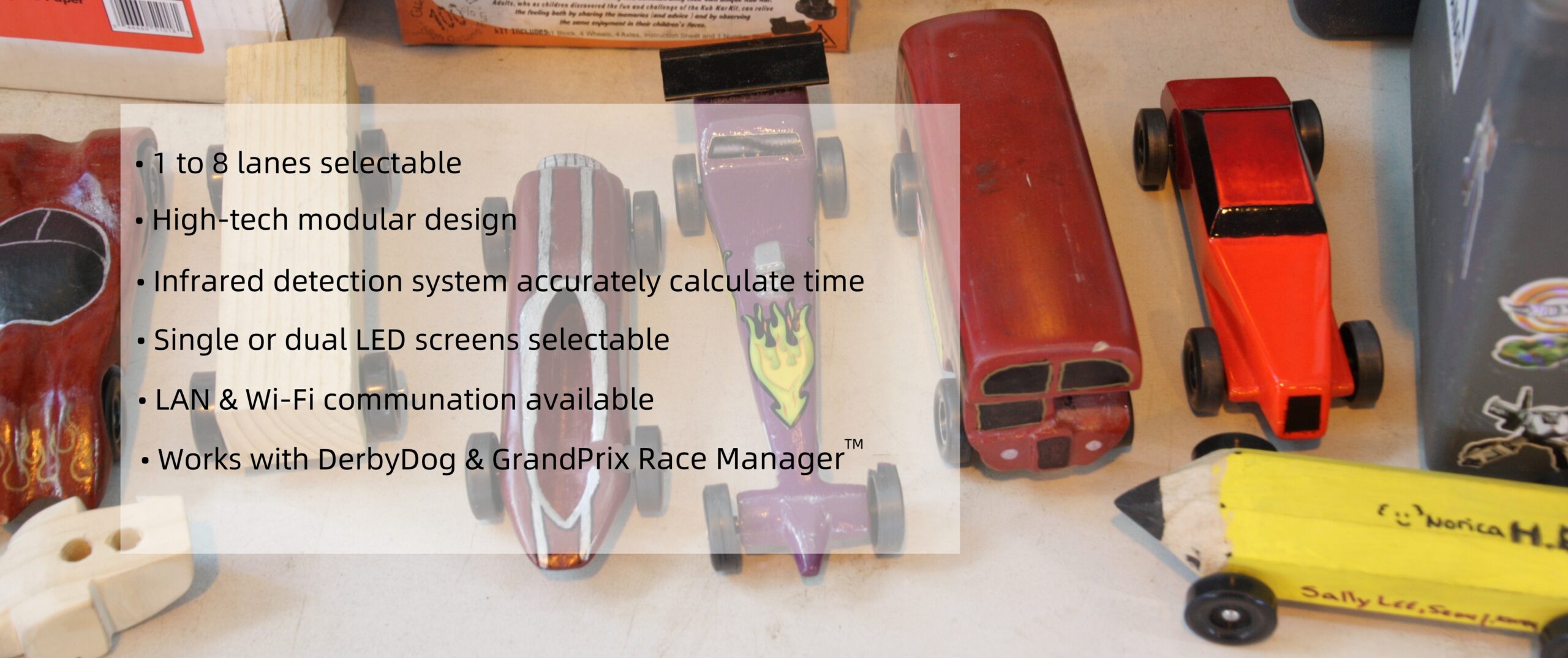
DerbyDog® Highlights
Hardware Components
The DERBYDOG® Race Timer consists of a frame, sensor module, and display module.
① Frame
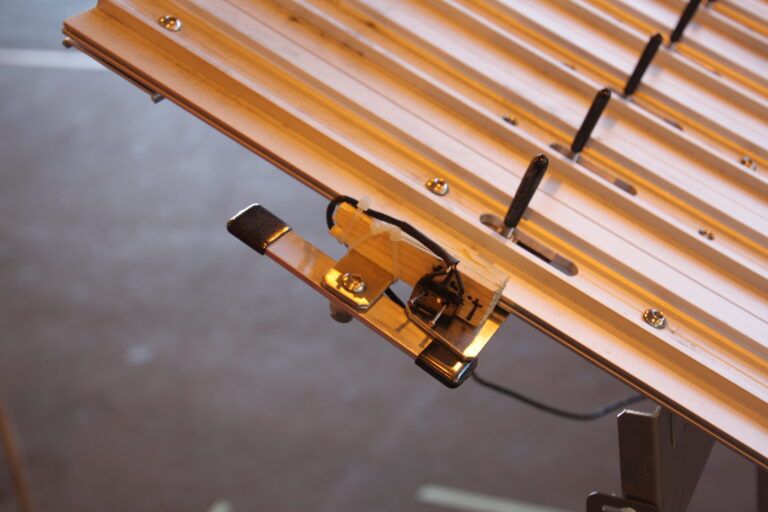
② Sensor module
③ Display module
④ Sarter
Frame Connectors
A. Antenna interface is used to connect the antenna.
B. LAN (Local Area Network) interface (RJ45 connector) is used to connect directly to a computer or a WI-FI router.
C. GPI (General Purpose Input) interface (RJ11 connector), is used to connect the signal output terminal of the starter module using 4-core telephone line. This interface is used to receive the start signal from the starter module.
D. DC (Direct Current) IN port, is used to connect 20V power adapter to power the race timer.
E. Reset button, is used to restore the timer to default settings
DerbyDog Management Software
GigaCraft provides various software options tailored to the race organizer’s specific needs. The released software includes two programs: DerbyDog-APP and DerbyDog-PC, each to be used in different application scenarios. Besides, DerbyDog is compatible with GrandPrix Race Manager as well. For details about this software, please visit the GrandPrix Race Central webasite. The different varieties of software provide more options to manage and organize your event.
DerbyDog-APP
Operating Environments: Android 11+
Manage races in standalone mode
Display race timer status and select an associated timer
Prepare/start/reset/rerun a heat
Query and display race results
Confirm heat results and enter corrections place
Display racer history and track records
Display standings
DerbyDog-PC
Operating Environments: Windows 7 +
Race management
Competition management for non-elimination rounds
Registration management
Assign a designated race timer for the race round
Conduct races
Display race statistics
How to work with GrandPrix Race Manager ?
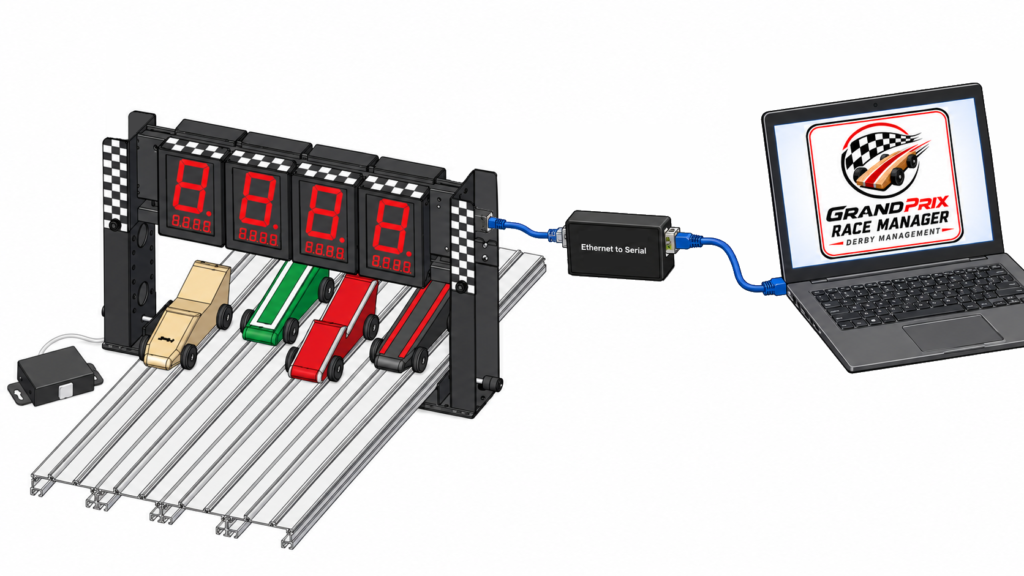
GrandPrix Race Manager only supports serial (COM) port communication. Therefore, you will need a converter to translate network (TCP) communication to serial communication. The DerbyDog Ethernet-to-Serial adapter does this.
IMPORTANCE NOTICE: The Ethernet-to-serial adapter is compatible only with GrandPrix Race Manager. You don’t need this adapter when using DerbyDog Management Software.